



How to Check Valid Turnover
at ApexGame88 | Guide
Before you can withdraw at ApexGame88, you need to clear your withdrawal turnover requirement. This guide shows you how to check turnover ApexGame88 progress so you always know where you stand before requesting a cash out.
Valid Turnover
Basics
What Is Valid Turnover?
Withdrawal Turnover is your target.
For example, a P100 deposit with no promotion sets a P100 withdrawal turnover.
For example, depositing P100 with a 40% bonus brings your total to P140, and the withdrawal turnover requirement becomes P700 — based on the bonus terms.
Valid Turnover is your progress.
Guide
How to Check Your Valid Turnover Step by Step
Once your account is active, here is what to do next:

If you have not placed any bets within the selected date range, the table will show “no data found.” This is normal — it simply means there was no betting activity during that period.
Bonuses
Common Issue: Multiple Bonuses and Turnover Confusion
If you have more than one bonus active at the same time — for example, the 40% Welcome Boost and the 5% Maya Extra Bonus — you may be unsure which turnover number applies to your withdrawal.
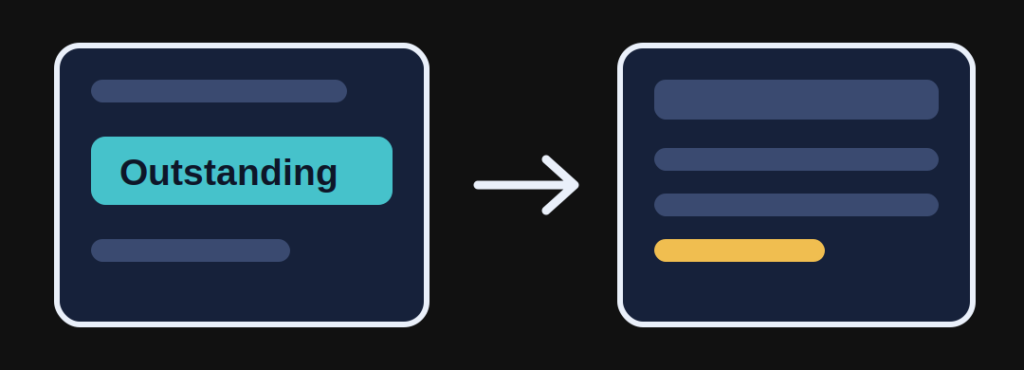
Here is how to think about it: each deposit you make has its own Withdrawal Turnover requirement, calculated based on the deposit amount and the bonus selected at that time. Your Valid Turnover, tracked in Outstanding, applies toward clearing your current outstanding withdrawal turnover.
If you are unsure which requirement governs your current balance, the safest step is to contact support before requesting a withdrawal. They can confirm your exact turnover status and prevent your request from being delayed or rejected.
Tips
Tips for Tracking Your Turnover
Check Outstanding regularly, not just before withdrawing.
Use the date filters to track specific sessions.
Compare Valid Turnover to your Withdrawal Turnover before submitting a withdrawal.
Contact support if anything looks off.
Support
Contact Support
FAQ
Frequently Asked Questions
What is the difference between Valid Turnover and Withdrawal Turnover?
Withdrawal Turnover is the target amount you need to wager, based on your deposit and any bonus selected. Valid Turnover is your actual wagering progress, tracked in real time and shown in the Outstanding section.
Where do I check my Valid Turnover?
Go to My Info → Outstanding. This is the only place to check your Valid Turnover on ApexGame88.
Does Valid Turnover update in real time?
Yes. Your Valid Turnover updates as you place bets, so you can track your progress as you play.
Why does the Outstanding table show "no data found"?
This means there was no betting activity within the date range you searched. If you have played recently, try adjusting the Date From and Date To fields or use the View All toggle.
Does it matter which game category I play to clear my turnover?
The Outstanding table breaks down turnover by product for your own tracking. This breakdown does not change how your bets count toward your withdrawal turnover requirement.
I have two bonuses active. Which turnover requirement applies to my withdrawal?
Each deposit has its own withdrawal turnover requirement based on the amount deposited and the bonus selected. If you are unsure which requirement applies to your current balance, contact support before withdrawing.
Can I withdraw before my Valid Turnover meets the requirement?
No. You need to meet your Withdrawal Turnover requirement before a cash out request can be processed.
What should I do if my Valid Turnover does not match what I expect?
Contact support. They can review your account and confirm your accurate turnover status.
Responsible Gaming
ApexGame88 is currently under PAGCOR monitoring. All players must be 21 years old or above to access the platform.
Play responsibly. Set a deposit limit, take regular breaks, and never chase losses.
For responsible gaming support, contact PAGCOR at ResponsibleGaming@pagcor.ph.
Check Now